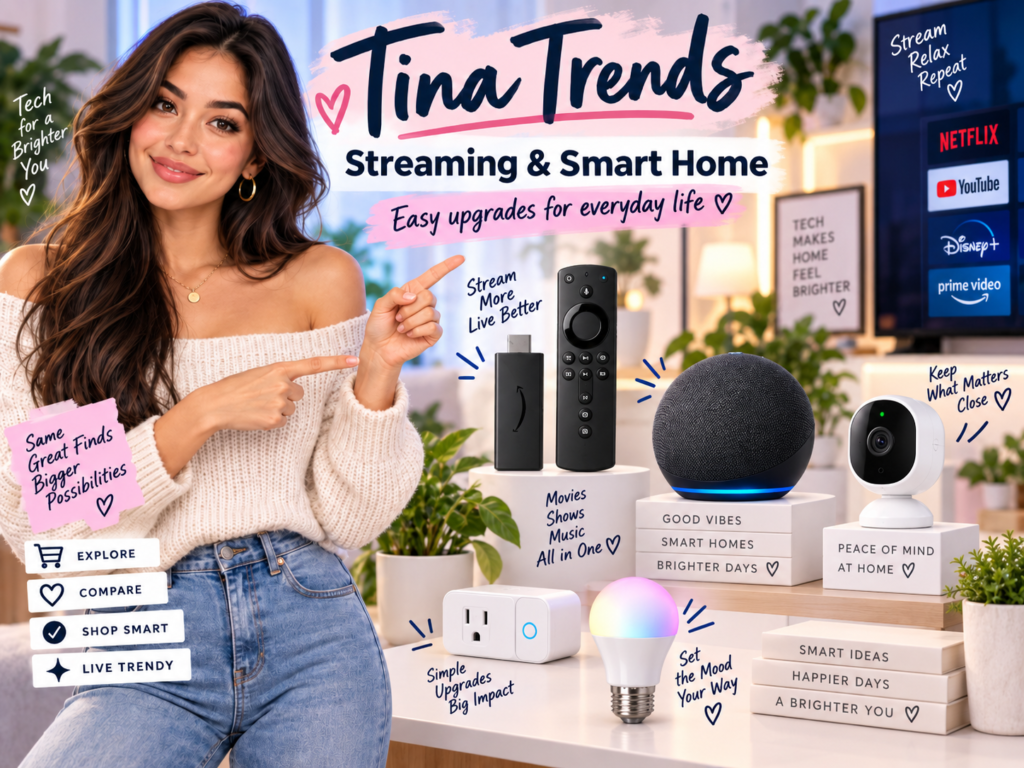
Affiliate disclosure: TimewasterAI may earn a commission when you purchase through links on this page, at no additional cost to you.
Best Streaming Devices for TVs: Fire TV, Roku and More
A good streaming device can make an older TV feel new again. It can also rescue a smart TV with slow menus, missing apps or a remote that makes you question your life choices every time you try to find Netflix.
Fire TV and Roku are two of the most popular choices because they are affordable, easy to find and simple enough for most households. But they are not the only options. Apple TV 4K and Google TV Streamer are also worth considering, especially if your home already uses Apple or Google products.
Disclosure: This post contains affiliate links. Tina Trends may earn a commission if you buy through these links, at no extra cost to you. This guide is meant to help you choose a streaming device based on how you actually watch TV.
Do You Really Need a Streaming Device?
Maybe. If your TV already has every app you use and the menus feel fast, you may not need one. But a separate streaming device is often worth it when your TV is older, your apps are slow, updates are limited or the built-in smart TV interface feels cluttered.
Good reason to buy one
Your TV is physically fine, but the smart features feel outdated. A streaming stick can be cheaper than replacing the whole TV.
Another good reason
You want a cleaner remote, better app support, faster navigation or easier access to streaming services in one place.
For travel
A compact streaming stick can be useful in hotel rooms, guest rooms or vacation rentals, as long as the TV has HDMI and the Wi-Fi setup allows it.
For non-techy households
A simple Roku or Fire TV device can be easier than explaining five different TV menus to family members.
Best Overall for Simplicity: Roku
Best for people who want streaming without fuss
Roku is a strong choice if you want a simple interface, a straightforward remote and a platform that does not feel tied too heavily to one tech ecosystem. It is especially good for households where everyone just wants to open apps and watch shows without digging through complicated menus.
Roku also offers several types of streaming players, from budget-friendly options to premium 4K models. If your TV has an HDMI port, Roku says its streaming players can work with it, though 4K and HDR features require a compatible TV.
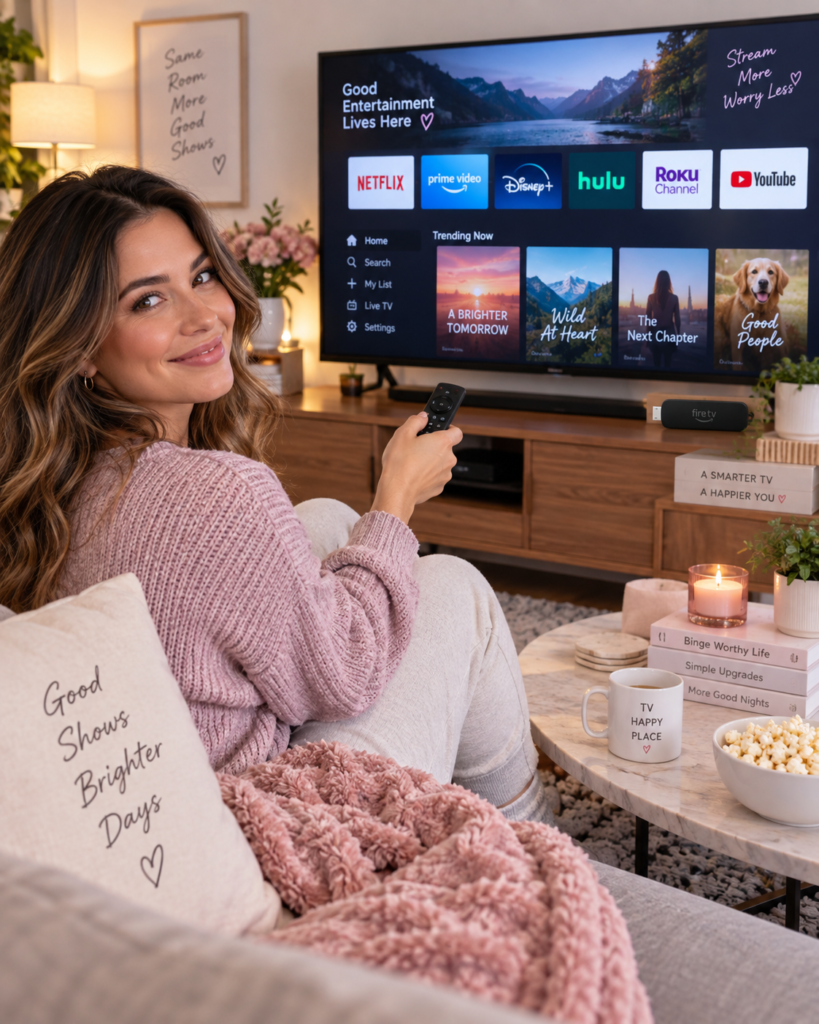
Best Streaming Devices by Type of Viewer
The best streaming device is not always the most expensive one. It is the one that fits your TV, your apps and the people who will actually use the remote.
| Viewer Type | Best Pick | Why It Makes Sense | Watch Out For |
|---|---|---|---|
| Simple streaming | Roku Streaming Stick or Roku Express-style device | Easy menus, simple remote and broad app access. | Make sure you choose 4K if you have a 4K TV. |
| Amazon household | Fire TV Stick | Works well with Prime Video, Alexa and Amazon services. | The interface may feel more Amazon-focused than neutral. |
| Apple users | Apple TV 4K | Great for Apple services, AirPlay and a polished premium experience. | Usually costs more than basic streaming sticks. |
| Google users | Google TV Streamer 4K | Strong fit for Google services, YouTube and personalized recommendations. | Best if you already like the Google TV interface. |
| Travel or guest rooms | Compact streaming stick | Small, portable and easy to move between TVs. | Hotel Wi-Fi sign-ins can sometimes be annoying. |
| Home theater setup | Premium 4K device | Better performance, stronger wireless support and premium audio/video features. | Your TV and audio system need to support those features to benefit. |
Fire TV: Best for Amazon and Alexa Homes
Best for Prime Video, Alexa voice control and Amazon-friendly homes
Fire TV devices are a natural choice if you already use Amazon Prime Video, Alexa speakers, Ring cameras or other Amazon-connected services. The remote usually feels familiar, voice search is convenient and the setup is friendly for people already signed into Amazon.
Fire TV Stick models are popular because they are small and affordable. If you have a 4K TV, look for a 4K model instead of buying the cheapest HD-only option. For smoother performance, the Fire TV Stick 4K Max is positioned by Amazon as a more powerful 4K stick with Wi-Fi 6E support.
Roku: Best for a Clean, Simple TV Experience
Best for families, guest rooms and people who want simple menus
Roku is one of the easiest platforms to recommend for mixed households. It does not require you to be loyal to one phone brand, smart speaker or online store. That makes it a good pick for parents, grandparents, roommates, guest rooms and anyone who just wants the apps to be easy to find.
Roku Streaming Stick 4K-style devices are a nice sweet spot for many homes because they are compact and support 4K on compatible TVs. Roku Ultra is the premium option if you want faster performance, Ethernet support and a better remote.
Apple TV 4K: Best Premium Pick for Apple Users
Best for iPhone, iPad and Apple ecosystem homes
Apple TV 4K is usually more expensive than basic streaming sticks, but it is a strong premium choice if your household already uses Apple devices. It works nicely with Apple services, AirPlay, Apple Fitness+, Apple Arcade and Apple TV+.
It is also a good option for people who want a polished interface and fast performance. Just remember that to benefit from 4K and HDR, your TV also needs to support those features.
Google TV Streamer: Best for Google and YouTube Fans
Best for personalized recommendations and Google services
Google TV Streamer 4K is a strong fit if your household uses YouTube, Google Photos, Google Assistant or Android devices. It is built around Google TV, which focuses on recommendations and bringing content from different apps into one interface.
This can be helpful if you like browsing by show or movie instead of opening each app one at a time. It may not be everyone’s favorite layout, but Google users may appreciate the way it connects with the rest of the ecosystem.
What Features Actually Matter?
4K support
Only matters if you have a 4K TV and watch 4K content. If your TV is older and HD-only, a basic HD device may be enough.
HDR support
Helps picture quality on compatible TVs and compatible content. Your TV, device and streaming app all need to support it.
Wi-Fi performance
Important if your TV is far from the router. Premium devices often have better wireless support or Ethernet options.
Remote control
Do not underestimate the remote. Voice search, TV power, volume controls and a lost-remote feature can make a device much nicer to use.
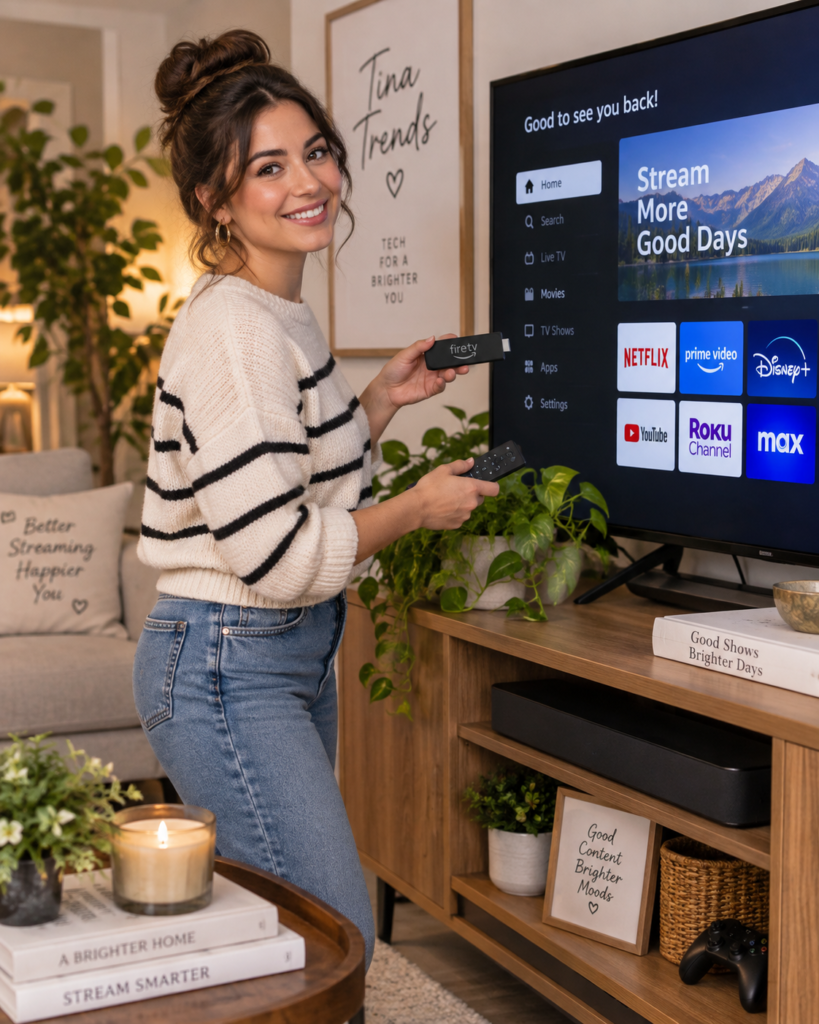
How to Choose the Right Streaming Device for Your TV
Before buying, check your TV and your household habits. A streaming device only feels like an upgrade when it fits the screen, Wi-Fi and apps you already use.
Step 1: Check your TV ports
Most modern streaming devices plug into HDMI. If your TV does not have HDMI, your options are more limited. Also check whether the USB port on the TV can power the device, or whether you need to plug the streaming device into the wall.
Step 2: Match the device to your TV resolution
If your TV is HD, you do not need to pay extra for a premium 4K device unless you plan to upgrade soon. If your TV is 4K, buy a 4K-capable streamer so you can actually use the TV’s picture quality.
Step 3: Pick the ecosystem you like
Roku is simple and neutral. Fire TV is great for Amazon users. Apple TV 4K is best for Apple households. Google TV Streamer works well for people who like Google services and YouTube.
Step 4: Think about who uses the remote
If kids, guests, grandparents or roommates will use the TV, simple menus matter. A device with too many recommendations and tabs may look powerful, but it can also feel messy.
Common Streaming Device Mistakes
Buying 4K for an HD TV and expecting a miracle. A 4K streaming device will not turn an old HD TV into a true 4K display.
Ignoring Wi-Fi strength. If your TV room has weak Wi-Fi, even the best streaming stick can buffer or feel slow.
Choosing only by price. The cheapest device may be fine for a guest room, but your main TV may deserve a faster model.
Forgetting about subscriptions. A streaming device gives access to apps, but paid services like Netflix, Hulu, Disney+, Prime Video or YouTube TV still require their own subscriptions.
Best Quick Recommendations
| Need | Best Choice | Why |
|---|---|---|
| Best simple choice | Roku Streaming Stick or Roku Express-style device | Easy to use and good for most households. |
| Best for Amazon fans | Fire TV Stick 4K or Fire TV Stick 4K Max | Strong fit for Prime Video, Alexa and Amazon-connected homes. |
| Best premium option | Apple TV 4K | Fast, polished and especially good for Apple users. |
| Best for Google users | Google TV Streamer 4K | Works well with Google services, YouTube and recommendations. |
| Best for travel | Compact streaming stick | Small enough to pack and useful in hotels or vacation rentals. |
FAQ
Is Roku better than Fire TV?
Roku is usually better if you want a simple, neutral streaming experience. Fire TV is usually better if you use Amazon Prime Video, Alexa and Amazon smart home products.
Do streaming devices work on any TV?
Most current streaming devices need an HDMI port. Some features, like 4K and HDR, only work if your TV supports them too.
Do I need a streaming device if I already have a smart TV?
Not always. But a streaming device can be worth it if your smart TV is slow, missing apps, no longer getting updates or has a confusing interface.
Which streaming device is best for travel?
A compact streaming stick is usually best for travel because it is small and easy to pack. Hotel Wi-Fi login pages can sometimes make setup less smooth, so keep that in mind.
Will a streaming device improve picture quality?
It can help if your current TV apps are outdated or slow, but it cannot create picture quality your TV does not support. For true 4K or HDR, your TV, streaming device and content all need to support those formats.
Final Thoughts
The best streaming device is the one that makes watching TV easier, not more complicated. Roku is the safe simple pick. Fire TV is great for Amazon homes. Apple TV 4K is the premium Apple-friendly option. Google TV Streamer is a good match for Google and YouTube fans.
If your TV still looks good but the smart features feel old, a streaming device is one of the easiest upgrades you can make.