Home › Recommended Tools › Meshy AI Review
Affiliate disclosure: This page contains affiliate links. If you purchase through one of these links, TimeWasterAI may earn a commission at no additional cost to you.
Quick answer
Meshy is worth considering for creators who need to turn text, images, or sketches into editable 3D starting points quickly. It is not a replacement for technical modeling skills, topology review, or print preparation. The platform is strongest for rapid ideation and asset prototyping when the output will still be inspected and refined.
Meshy at a glance
- Best for: Game developers, 3D artists, product designers, animators, and 3D-printing creators who need rapid concepts
- Product type: AI 3D model generation platform
- Pricing: Check current plans and limits on the official site
- Last reviewed: August 13, 2026
What is Meshy?
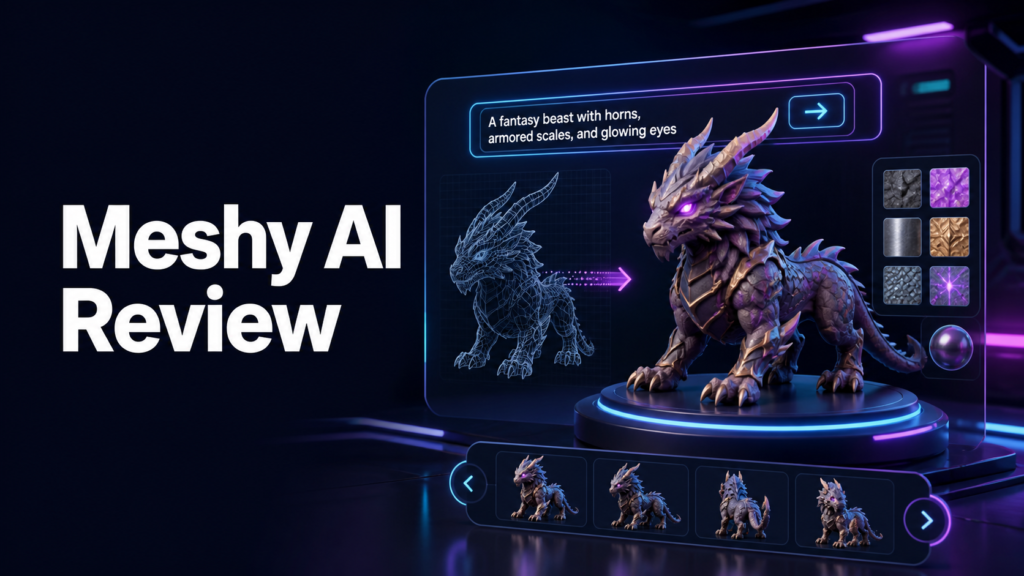
Meshy is an AI platform for generating 3D assets from text or images. Its official feature set includes image-to-3D, text-to-3D, AI texturing, image generation for 3D work, auto-rigging and animation, an API, and integrations.
Who is it for?
Game developers, 3D artists, product designers, animators, and 3D-printing creators who need rapid concepts. The product is most useful when it solves a repeated problem rather than adding another tool that will be used once and forgotten.
Key features
- Text-to-3D and image-to-3D generation
- AI-assisted PBR texturing
- A conversational 3D agent
- Auto-rigging and animation tools
- API and integrations for production pipelines
How it works
- Start with a clear prompt, reference image, or sketch
- Generate one or more 3D concepts
- Inspect geometry, scale, materials, and visual consistency
- Refine or export the strongest result
- Test the asset in the intended game, animation, design, or printing workflow
Pros
- Speeds up early 3D concept generation
- Supports both text and visual source material
- Combines generation, texturing, and animation-related tools
- Can provide usable starting points for several creator workflows
Cons
- Generated geometry may require cleanup
- Printability, rigging, and topology still need technical review
- Results depend heavily on source quality and prompt clarity
- Credit limits and export options should be checked before production use
Pricing
Plans, limits, offers, and availability can change. TimeWasterAI does not publish an unverified price here. Compare the current plan limits and cancellation terms on the official site before paying.
Alternatives
- Traditional modeling in Blender or similar software
- Specialized photogrammetry tools
- Other text-to-3D and image-to-3D generators
- Buying or commissioning finished 3D assets
Who should buy it?
Choose Meshy if speed matters during ideation and you are prepared to inspect and refine the generated asset.
Who should skip it?
Skip it if you need guaranteed production-ready topology, exact engineering dimensions, or a completely hands-off modeling process.
Verdict
Meshy can shorten the distance from an idea to a visible 3D prototype. Its real value is acceleration, not elimination of 3D judgment. Skilled review remains important before an asset reaches production or printing.
Frequently asked questions
Can Meshy create 3D models from images?
Yes. Meshy documents an image-to-3D workflow for photos, sketches, and concept art.
Can Meshy animate characters?
The official feature list includes automatic rigging and animation tools.
Official source
Verify current features, limits, security information, pricing, and terms on the official Meshy website.