Home › Recommended Tools › Fllow AI Review
Affiliate disclosure: This page contains affiliate links. If you purchase through one of these links, TimeWasterAI may earn a commission at no additional cost to you.
Quick answer
Fllow AI is worth evaluating for creators who want access to multiple AI video models without managing a separate workflow for each provider. It is less attractive if you rely on one model, require a mature editing suite, or need predictable costs without tracking per-generation credits. Test short, low-cost outputs before committing to a production workflow.
Fllow AI at a glance
- Best for: Creators who want one interface for testing multiple video models, formats, and generation approaches
- Product type: Multi-model AI video and image generation platform
- Pricing: Check current plans and limits on the official site
- Last reviewed: August 13, 2026
What is Fllow AI?
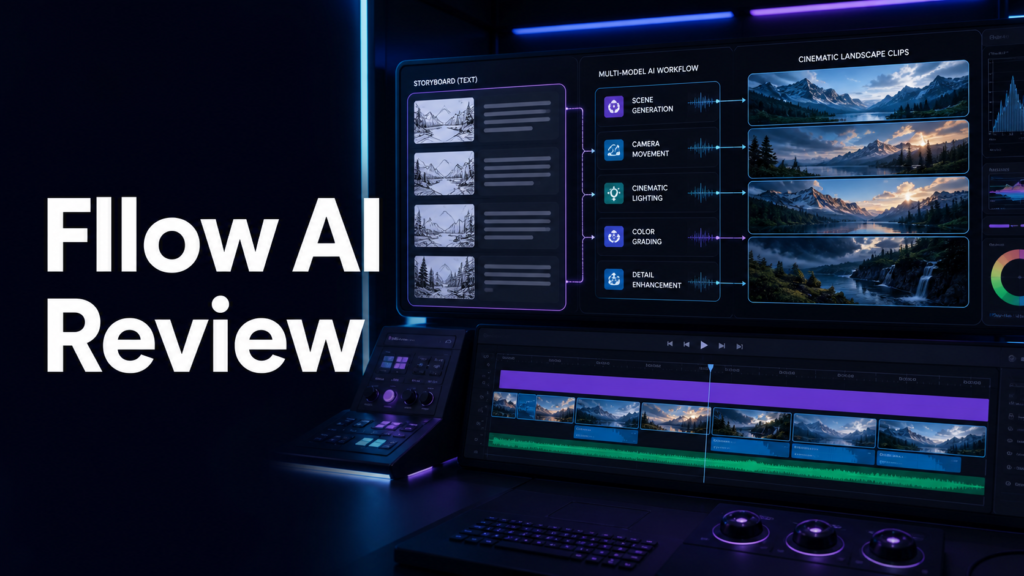
Fllow AI is a professional content-generation platform offering text-to-video, image-to-video, and AI image generation. Its official interface lists models from several providers and exposes options that vary by model, such as aspect ratio, duration, speed, and output count.
Who is it for?
Creators who want one interface for testing multiple video models, formats, and generation approaches. The product is most useful when it solves a repeated problem rather than adding another tool that will be used once and forgotten.
Key features
- Text-to-video and image-to-video generation
- Access to multiple AI video model families
- Landscape and vertical output choices on supported models
- Model-specific duration, speed, and credit controls
- AI image generation alongside video tools
How it works
- Choose text-to-video or image-to-video
- Select a model based on style, duration, resolution, and cost
- Write a clear prompt and choose an aspect ratio
- Generate a small test before producing multiple outputs
- Download the useful result and finish editing in your normal video workflow
Pros
- Lets creators compare multiple model families in one place
- Supports common vertical and landscape formats
- Displays model-specific generation controls
- Can reduce account switching during experimentation
Cons
- Model availability and pricing can change quickly
- Different models have different restrictions and controls
- Generated video still needs review for artifacts and accuracy
- Credit-based experimentation can become expensive without a testing plan
Pricing
Plans, limits, offers, and availability can change. TimeWasterAI does not publish an unverified price here. Compare the current plan limits and cancellation terms on the official site before paying.
Alternatives
- Pollo AI for a broader video-and-image creative suite
- Using model providers directly
- Traditional video editing with licensed stock footage
- Other multi-model generation platforms
Who should buy it?
Choose Fllow AI if comparing several models in one interface is more valuable than committing to a single provider.
Who should skip it?
Skip it if you need long-form timeline editing, deterministic output, or do not want to manage model-specific credits and limits.
Verdict
Fllow AI is best understood as a multi-model generation workspace rather than a complete video-production replacement. Its value comes from choice and experimentation; creators still need a deliberate prompt, review, and editing process.
Frequently asked questions
Does Fllow AI support vertical video?
The official interface shows vertical and landscape aspect ratios on supported models.
Is Fllow AI a full video editor?
It is primarily presented as an AI generation platform. Plan to use a separate editor when you need detailed timeline work.
Official source
Verify current features, limits, security information, pricing, and terms on the official Fllow AI website.