Affiliate disclosure: TimewasterAI may earn a commission when you purchase through links on this page, at no additional cost to you.
Best Charging Accessories, Power Strips and Cable Organizers
Most tech clutter does not start with the devices. It starts with the chargers, cords, adapters and mystery cables that slowly take over your desk, nightstand, kitchen counter, suitcase and junk drawer.
The right charging accessories can make everyday life feel a lot cleaner. A good power strip gives you enough outlets where you actually need them. A compact charger helps you stop carrying three different bricks. Cable organizers keep your desk from looking like a robot sneezed behind your monitor.
Disclosure: This post contains affiliate links. Tina Trends may earn a commission if you buy through these links, at no extra cost to you. This guide is meant to help you choose practical charging and organization accessories based on how you use your space.
Why Charging Accessories Matter More Than You Think
A messy charging setup is annoying, but it can also be inefficient. You end up unplugging lamps to charge a phone, crawling under a desk to find an outlet, borrowing chargers from another room or buying random cables because you cannot find the ones you already own.
The goal is not to buy more tech for the sake of buying more tech. The goal is to make your everyday devices easier to charge, easier to find and easier to use.
For the desk
Use a power strip or charging station that can handle your monitor, laptop charger, lamp, phone charger and small accessories without creating a mess of cords under your feet.
For the nightstand
Keep it simple. A compact charger, a short cable and a small cable clip can make your bedside setup cleaner and less frustrating.
For travel
A compact wall charger, a few reliable cables and a small organizer pouch can save space and reduce the “did I pack the charger?” panic.
For families
A shared charging station can help keep phones, tablets, earbuds, watches and controllers from spreading across every outlet in the house.
Best Power Strips: What to Look For
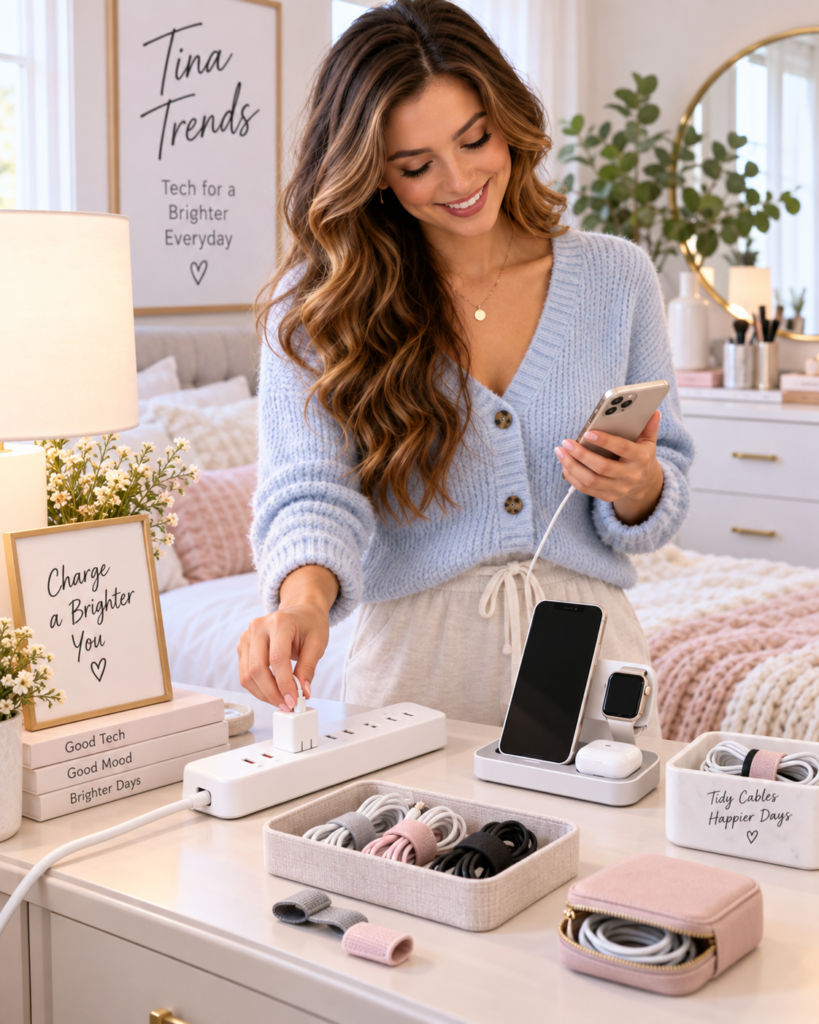
Power strips are useful, but they are not all the same. Some simply add extra outlets. Others include surge protection, USB ports, flat plugs, long cords, spaced outlets or mounting holes for desks and walls.
1. Surge-protected power strip for desks
A surge-protected power strip is a smart choice for a home office, gaming desk or entertainment center. It gives you extra outlets and adds a layer of protection for electronics like monitors, speakers, chargers and routers.
Look for a power strip with enough outlets for your current setup plus one or two extras. Wide-spaced outlets are helpful if you use bulky charging bricks.
2. Flat-plug power strip for tight spaces
A flat-plug power strip is useful behind a bed, dresser, couch or TV stand. Instead of a big plug sticking straight out of the wall, a flat plug sits closer to the outlet and helps furniture fit more neatly.
3. Power strip with USB ports
A power strip with USB-A or USB-C ports can reduce the number of charging bricks you need. This is especially handy on desks, kitchen counters and nightstands where phones, watches, earbuds and tablets tend to pile up.
4. Travel-friendly mini power strip
A compact power strip can be helpful in hotel rooms, Airbnb stays and shared workspaces where there are never enough outlets in the right place. Just make sure it fits your travel needs and does not take up too much room in your bag.
Safety reminder: Do not use a power strip for high-heat appliances like space heaters, and do not overload it with more power than it is rated to handle. For power strips and surge protectors, check for a recognized safety certification and inspect cords regularly for damage.
Best Charging Accessories for Phones, Tablets and Laptops
Charging accessories are where a lot of people waste money. The trick is to buy fewer, better pieces that match the devices you actually use.
| Accessory | Best For | Why It Helps | Buying Tip |
|---|---|---|---|
| USB-C wall charger | Phones, tablets, earbuds and newer laptops | One compact charger can often replace multiple older charging bricks. | Check wattage and USB-C Power Delivery support before buying. |
| Multi-port charger | Families, desks and travel bags | Charges several devices from one outlet. | Make sure the total wattage is enough when multiple ports are used. |
| Wireless charging stand | Nightstands and desks | Keeps your phone visible while charging. | Check phone compatibility and case thickness. |
| Short charging cables | Desk setups, cars and power banks | Reduces cable mess and dangling cords. | Buy the correct connector type for your device. |
| Long charging cables | Bedrooms, couches and travel | Useful when outlets are far away. | Avoid cheap cables that feel flimsy or heat up. |
| Power bank | Travel, commuting and emergency charging | Keeps your phone alive when you are away from an outlet. | Balance capacity with size and weight. |
The simple charging setup most people need
A good everyday setup does not have to be complicated. For most homes, start with one multi-port USB-C charger, two reliable phone cables, one longer cable for the couch or bed, and one power bank for travel or emergencies.
If you work from home, add a surge-protected power strip near your desk and cable clips to keep cords from falling behind it every time you unplug something.
Best Cable Organizers for a Cleaner Setup
Cable organizers are not exciting until you use them. Then you wonder why you lived with cords hanging off every desk, nightstand and counter.
Cable clips
Best for keeping phone chargers, laptop cables and USB cords from sliding off your desk or nightstand.
Cable sleeves
Best for bundling several cords behind a monitor, TV stand or standing desk.
Cable boxes
Best for hiding power strips and extra cord length under desks or beside entertainment centers.
Velcro cable ties
Best for travel bags, drawers and charging cables you want to reuse without sticky residue.
Best cable organizer strategy
Start by unplugging everything and separating cables into three groups: daily use, occasional use and mystery cables. Daily-use cables should be easy to reach. Occasional-use cables can go in a drawer or pouch. Mystery cables should be labeled or recycled if you truly do not need them.
How to Build a Better Charging Station
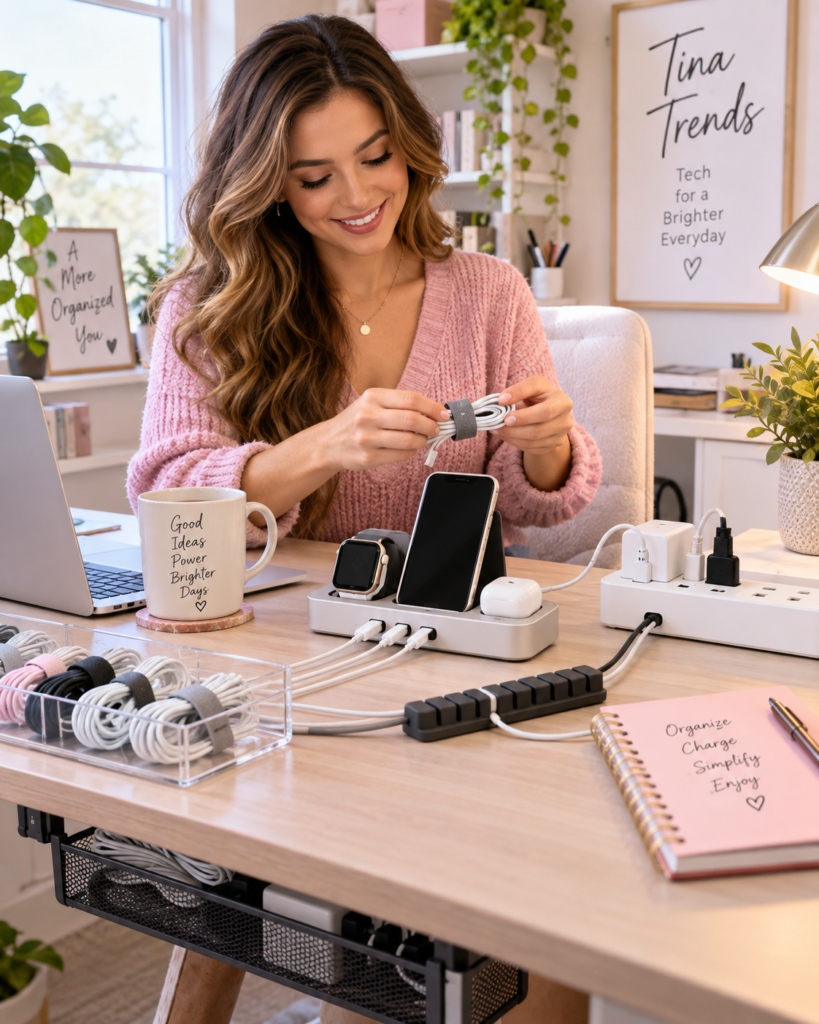
A good charging station should solve a real problem. It should not just move the cable mess from one corner of the room to another.
Step 1: Pick one charging zone
Choose where devices naturally land. That might be a desk, entry table, kitchen counter, nightstand or shelf near the door. The best charging station is the one people will actually use.
Step 2: Match the outlets to the devices
Count what you charge every day: phones, tablets, watches, earbuds, laptops, controllers, e-readers and battery packs. Then choose a power strip or charger with enough ports without overloading one outlet.
Step 3: Use shorter cables where possible
Long cables are useful next to a couch or bed, but they create clutter on desks and counters. Shorter cables can make a shared charging station look cleaner right away.
Step 4: Label the weird cables
If you have one cable that only works with a camera, speaker, toy, older tablet or random gadget, label it. Future you will be grateful.
What Not to Buy
Skip unknown power strips with no visible safety certification. Saving a few dollars is not worth the risk on something plugged into the wall every day.
Skip charging cables that feel thin, loose or poorly made. A bad cable can be slow, unreliable or annoying enough that you end up replacing it anyway.
Skip giant charging stations if you only charge two devices. Bigger is not always cleaner.
Skip organizer kits before you declutter. Organizing cables you do not need is just decorating the problem.
Best Picks by Situation
| Situation | Best First Buy | Why |
|---|---|---|
| Messy work desk | Surge-protected power strip plus cable clips | Gives your setup enough outlets and keeps cords from falling everywhere. |
| Nightstand clutter | Compact charger plus short cable | Keeps charging simple without a pile of cords next to the bed. |
| Family charging area | Multi-port charger or charging station | Creates one shared place for phones, tablets and earbuds. |
| Travel bag | Compact USB-C charger, power bank and cable pouch | Reduces bulk and keeps chargers easier to find on the road. |
| TV or gaming setup | Surge protector with spaced outlets | Better for bulky plugs, consoles, speakers and streaming devices. |
FAQ
What is the difference between a power strip and a surge protector?
A basic power strip gives you more outlets. A surge protector is designed to add protection against power surges. Many products look similar, so check the product description carefully before buying.
Do I need USB-C charging accessories?
If you use newer phones, tablets, earbuds or laptops, USB-C accessories are usually worth considering. Just make sure the charger and cable support the power level your device needs.
Are cable organizers worth it?
Yes, especially for desks, nightstands, entertainment centers and travel bags. Simple clips, sleeves and ties can make your space look cleaner and make chargers easier to find.
What should I buy first?
Start with the place that annoys you most. If your desk is the problem, buy a better power strip and cable clips. If your bag is the problem, buy a compact charger and cable pouch. If your whole house is the problem, create one shared charging station.
Final Thoughts
The best charging accessories are the ones that quietly make your day easier. A safer power strip, a better charger and a few cable organizers can clean up your space without turning your home into a gadget showroom.
Keep it practical: give every device a charging spot, stop buying random cables you cannot identify, and choose accessories that fit the way you actually live, work and travel.