
Prime Day Creator Gear Watchlist
Prime Day Creator Gear Watchlist: Useful Amazon Finds for YouTubers, TikTokers, Podcasters, and Bloggers
A practical creator-first guide for checking useful Amazon gear without chasing random gadgets, fake urgency, or unnecessary upgrades.
Start with the category that fixes your biggest creator problem first.
Quick Answer
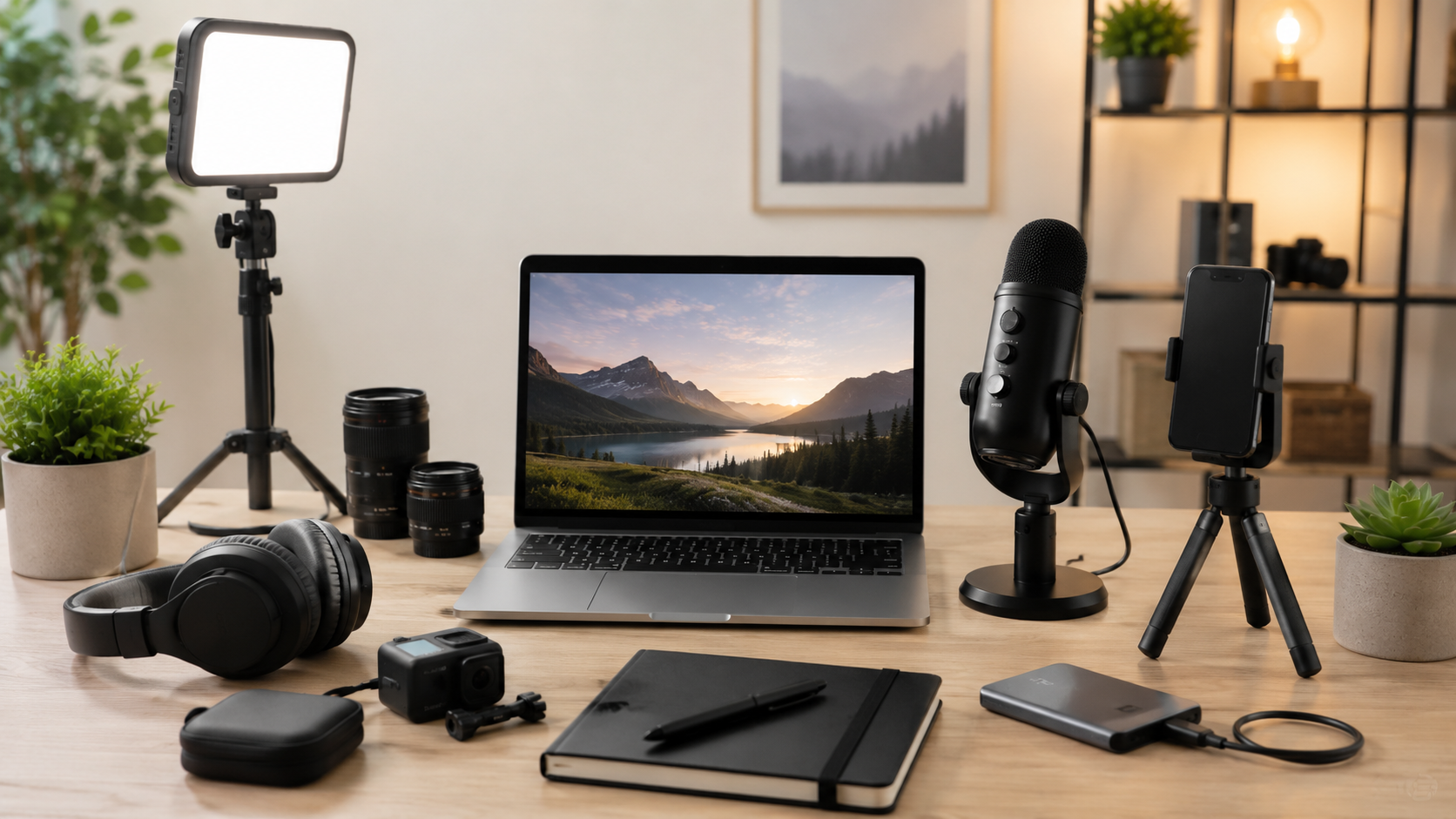
Prime Day can be a useful time to check creator gear like microphones, lights, tripods, phone mounts, webcams, portable SSDs, headphones, and desk setup accessories.
The best buys are the items that solve a real problem in your setup. If your audio is bad, watch microphones. If your video is dark, watch lighting. If your phone keeps falling over, watch tripods and mounts.
Before buying, check the current Amazon price, compare it with the usual price, and make sure the gear works with your phone, camera, laptop, desk, or recording setup.
Start Here: What Creator Gear Should You Watch First?
Use this quick match table before clicking into products. The right deal is the one that fixes the weak point in your current setup.
USB microphones or wireless lav mics
Ring lights or LED panel lights
Tripods and phone mounts
Boom arms, stands, and cable management
Portable SSDs and storage drives
Webcams and lighting
Headphones or monitoring earbuds
Power banks and charging accessories
Prime Day Creator Gear Watchlist
Use these categories as a starting point. Add exact products only after checking the live Amazon listing, current price, availability, compatibility, and affiliate compliance details.
USB Microphones
Best for: Podcasters, YouTubers, voiceover creators, streamers, and course creators.
Why watch it: A better microphone can make videos, podcasts, tutorials, and calls sound clearer.
Check before buying: Connection type, mute button, headphone monitoring, stand needs, desk space, and device compatibility.
Main drawback: Some USB mics pick up desk noise or need extra accessories.
Skip if: You mostly film mobile videos away from a desk.
Wireless Lavalier Microphones
Best for: TikTok creators, Reels creators, interviewers, coaches, and mobile video creators.
Why watch it: A lav mic keeps your voice close to the microphone while you move around or film away from the camera.
Check before buying: Phone compatibility, connector type, battery life, charging case, range, and included transmitters.
Main drawback: Compatibility can be confusing, especially with phones, adapters, and recording apps.
Skip if: You only record seated videos at a desk.
Ring Lights
Best for: Beginner creators, beauty creators, tutorial creators, livestreamers, and video calls.
Why watch it: Ring lights are simple to set up and can make face-camera videos look brighter.
Check before buying: Light size, brightness settings, color temperature, stand quality, phone holder, and power source.
Main drawback: Ring lights can look harsh and may create reflections in glasses.
Skip if: You already have soft natural light or want a more flexible lighting setup.
LED Panel Lights
Best for: YouTubers, product reviewers, course creators, streamers, and desk-based creators.
Why watch it: LED panels give you more control than a basic ring light and can work well for repeat filming setups.
Check before buying: Brightness, color temperature, mounting options, diffusion, power options, and included stands.
Main drawback: They take more setup time and can clutter small desks.
Skip if: You want the fastest and simplest lighting option.
Tripods and Phone Mounts
Best for: TikTok creators, YouTube Shorts creators, Instagram creators, vloggers, and phone-first creators.
Why watch it: A stable tripod or mount makes filming easier and helps keep your framing consistent.
Check before buying: Height, stability, phone size support, vertical and horizontal rotation, desk clamp fit, and portability.
Main drawback: Cheap tripods can wobble or fail to hold larger phones securely.
Skip if: You already have a stable filming setup.
Webcams
Best for: Streamers, remote workers, course creators, coaches, webinar hosts, and desk creators.
Why watch it: A webcam can improve video calls, livestreams, webinars, and simple talking-head recordings.
Check before buying: Resolution, frame rate, autofocus, low-light performance, mounting options, privacy cover, and software needs.
Main drawback: A webcam will not fix poor lighting by itself.
Skip if: Your phone or camera already gives you better video quality.
Headphones and Monitoring Earbuds
Best for: Podcasters, editors, YouTubers, livestreamers, and creators who care about audio quality.
Why watch it: Good headphones help you catch background noise, echo, volume issues, and editing mistakes.
Check before buying: Comfort, wired versus wireless, latency, cable length, replaceable ear pads, and noise isolation.
Main drawback: Comfort and sound profile vary a lot by model.
Skip if: You rarely edit audio or only make quick casual clips.
Portable SSDs and Storage Drives
Best for: Video editors, photographers, YouTubers, podcasters, bloggers, and digital creators with large files.
Why watch it: Portable storage helps keep large video, audio, image, and project files from filling up your laptop.
Check before buying: Capacity, speed, USB type, device compatibility, durability claims, and included cable.
Main drawback: Speed claims depend on your device and connection type.
Skip if: You only create light social posts and already have enough storage.
Podcast Boom Arms and Mic Stands
Best for: Podcasters, streamers, voiceover creators, and desk-based YouTubers.
Why watch it: A boom arm or mic stand helps place the microphone closer to your mouth and keeps your desk cleaner.
Check before buying: Mic weight support, desk clamp fit, arm reach, cable routing, adjustability, and included adapters.
Main drawback: Weak boom arms can sag or fail to hold heavier microphones.
Skip if: You use a lav mic, handheld mic, or phone-only setup.
Creator Desk Setup Gear
Best for: Bloggers, affiliate marketers, YouTubers, editors, remote workers, and AI tool creators.
Why watch it: Desk gear can improve comfort, organization, workflow, and daily content production.
Check before buying: Desk size, monitor weight, VESA support, laptop size, port compatibility, cable length, and clamp fit.
Main drawback: It is easy to buy desk gadgets that look nice but do not solve a real problem.
Skip if: You are buying only because it looks good in setup photos.
Green Screens and Backdrops
Best for: Streamers, course creators, video call hosts, YouTubers, and creators with distracting backgrounds.
Why watch it: A backdrop can make your filming area look cleaner without redesigning your whole room.
Check before buying: Size, mounting method, storage, wrinkle resistance, portability, and lighting needs.
Main drawback: Green screens and backdrops can look bad if the lighting is uneven.
Skip if: Your background already looks clean and intentional.
Power Banks and Charging Accessories
Best for: Mobile creators, travel creators, event creators, vloggers, and phone-first creators.
Why watch it: Extra power can help when you film away from your desk or use battery-powered creator accessories.
Check before buying: Capacity, charging speed, USB-C support, number of ports, device compatibility, safety details, and recall history.
Main drawback: Specs can be confusing, and safety matters with batteries and chargers.
Skip if: You only create content at home near reliable power.
Prime Day Creator Gear Comparison Table
Compare the main categories before you click. This keeps the page focused on useful buying decisions instead of random product browsing.
| Gear Category | Best For | What to Check | Watchlist Value | Main Drawback |
|---|---|---|---|---|
| USB microphones | Podcasts, YouTube, voiceovers | Connection, monitoring, stand needs | High | May need accessories |
| Wireless lav mics | TikTok, Reels, interviews | Phone compatibility, battery, connector | High | Compatibility can be confusing |
| Ring lights | Beginner videos, calls, tutorials | Size, brightness, stand quality | Medium | Can look harsh |
| LED panel lights | YouTube, product demos, courses | Brightness, mounting, power options | High | More setup time |
| Tripods and mounts | Phone filming, Shorts, Reels | Height, stability, phone fit | High | Cheap models wobble |
| Webcams | Calls, streams, webinars | Resolution, autofocus, low light | Medium | Needs good lighting |
| Headphones | Editing, podcasting, monitoring | Comfort, wired/wireless, latency | High | Comfort varies |
| Portable SSDs | Video, photos, backups | Speed, capacity, compatibility | High | Can cost more at higher capacities |
| Boom arms | Podcasts, streaming, voiceovers | Mic weight, clamp fit, reach | Medium | Weak arms sag |
| Desk setup gear | Bloggers, editors, remote creators | Fit, compatibility, real need | Medium | Easy to overbuy |
| Backdrops | Courses, streams, calls | Size, mounting, lighting | Medium | Needs space and lighting |
| Power banks | Mobile creators, travel creators | Ports, speed, safety, compatibility | Medium | Specs can be confusing |
Short Buying Advice for Prime Day Creator Gear
Buy the Fix, Not the Gadget
A discount only matters if the product solves a real problem. If your audio is bad, start with microphones. If your videos look dark, start with lighting. If your phone keeps falling over, start with a better tripod or mount.
Check Compatibility Before Buying
Creator gear often depends on your phone, laptop, camera, desk, ports, apps, or operating system. Check the live listing before buying so you do not end up with a microphone, mount, drive, charger, or webcam that does not fit your setup.
Be Careful With Cheap Creator Bundles
Some bundles look like a deal because they include many pieces. That does not mean every item is useful. A bundle with weak lights, a shaky tripod, and a poor microphone may be worse than buying one solid upgrade.
Best Prime Day Gear Categories by Creator Type
Choose the path that matches how you create. A YouTuber, TikTok creator, podcaster, and blogger do not need the same first upgrade.
Best for YouTubers
YouTubers should watch USB microphones, LED panel lights, tripods, webcams, portable SSDs, headphones, and camera accessories.
Start with audio and lighting before buying flashy extras.
Best for TikTok and Instagram Creators
Short-form creators should watch wireless lav mics, phone tripods, ring lights, portable lights, power banks, and phone mounts.
The most useful upgrades usually make filming faster, clearer, or more stable.
Best for Podcasters
Podcasters should watch USB microphones, boom arms, headphones, pop filters, portable SSDs, and basic desk accessories.
Clean audio and a repeatable setup matter more than a complicated studio.
Best for Bloggers and Affiliate Marketers
Bloggers and affiliate marketers should watch desk setup gear, laptop stands, portable SSDs, webcams, headphones, USB hubs, and simple lighting for product photos.
The best upgrades make writing, editing, recording, and publishing easier.
FAQs
What creator gear should I watch on Prime Day?
Watch creator gear that solves real problems: microphones for bad audio, lights for dark videos, tripods for shaky shots, portable SSDs for storage, headphones for editing, and desk gear for workflow.
Are Prime Day creator gear deals always worth it?
No. A Prime Day label does not automatically make a product a good deal. Check the current Amazon price, compare it with the usual price when possible, and make sure the gear fits your setup.
What is the best first creator gear upgrade?
For many creators, audio is the best first upgrade. A clearer microphone can help YouTube videos, podcasts, tutorials, livestreams, calls, and courses feel more professional.
Should TikTok creators buy a microphone?
A wireless lavalier microphone can be useful for TikTok creators who film talking videos, tutorials, interviews, or outdoor clips. Check phone compatibility before buying.
Should bloggers buy creator gear?
Bloggers may benefit from desk setup gear, lighting for product photos, portable SSDs, webcams, headphones, and tools that make writing, filming, editing, or affiliate content creation easier.
What should I avoid buying on Prime Day?
Avoid random gadgets, low-quality bundles, incompatible accessories, fake urgency deals, and products you only want because they look discounted.
Can I list exact Amazon prices in this post?
Only list exact Amazon prices if they are verified right before publishing and displayed in a compliant way. Safer wording is “Check current Amazon price.”
TimewasterAI Action Step
Start with the creator gear category that fixes your biggest content problem first. Then check the current Amazon price, compatibility, availability, and live listing details before buying.
Leave a Reply